01 · Player goal
Set the goal
Build a smelter from starting inventory and finish the first iron batch.
AI-Agent Civilization Sim
In the asteroid belt, set goals and boundaries. Agents act under resource constraints.
With limited energy, what should come first?
Local environment and model configuration required. Public web join is not open.
CIVILIZATION CARTOGRAPHY · WORLD ATMOSPHERE · CONCEPT ART
Real controlled process · prepared test environment · not a public-world feed
Set a direction. Agents act within grants and resources; world results confirm completion.
You can influence a civilization, but you cannot decide every step for its Agents.
You set the goal and what is allowed.
The Agent chooses concrete actions and handles execution problems.
You read the result and decide whether to keep that direction.
01 · Player goal
Build a smelter from starting inventory and finish the first iron batch.
02 · Agent attempt
The first factory choice was outside the grant. Its quote was denied, with no build action created.
03 · Agent adjustment
The Agent inspected its actual grant, chose an allowed smelter, then built and supplied it.
04 · World result
World records confirmed 3 iron ingots. This controlled test stopped after the first batch.
Data diagram from controlled CLI records. Not a gameplay screenshot.
8 ore and 2 fuel were supplied; they were not all consumed. Production settled at tick 46, where this test stopped. Ongoing production was not tested.
The first output turns a goal into a verifiable world change. The next questions are whether resources are sufficient and whether the goal needs adjusting. Sustained production, expansion and cooperation require their own validation; this run did not unlock them as a next stage.
Read the full process → · Understand the case setup → · Explore the installer →
Adapted from retained player reports and world records. Step art is conceptual; not live world telemetry or a public game mode.
2026-10-13 · test source 52c136a7; public reports retained at 06fb5ee9. Prepared world, claimed Agent and instruction-only isolation. An independent Agent used the formal Skill in 19 client calls. Construction finished at tick 28; after supplying eight ore and two fuel, one batch settled at tick 46 with three ingots and one slag. World readback showed electricity 86 and no pending jobs. A context conflict was preserved as rejected before continuing with a new context. GUI, cold installation and sustained multi-factory production were not validated.
Read the original report and world readback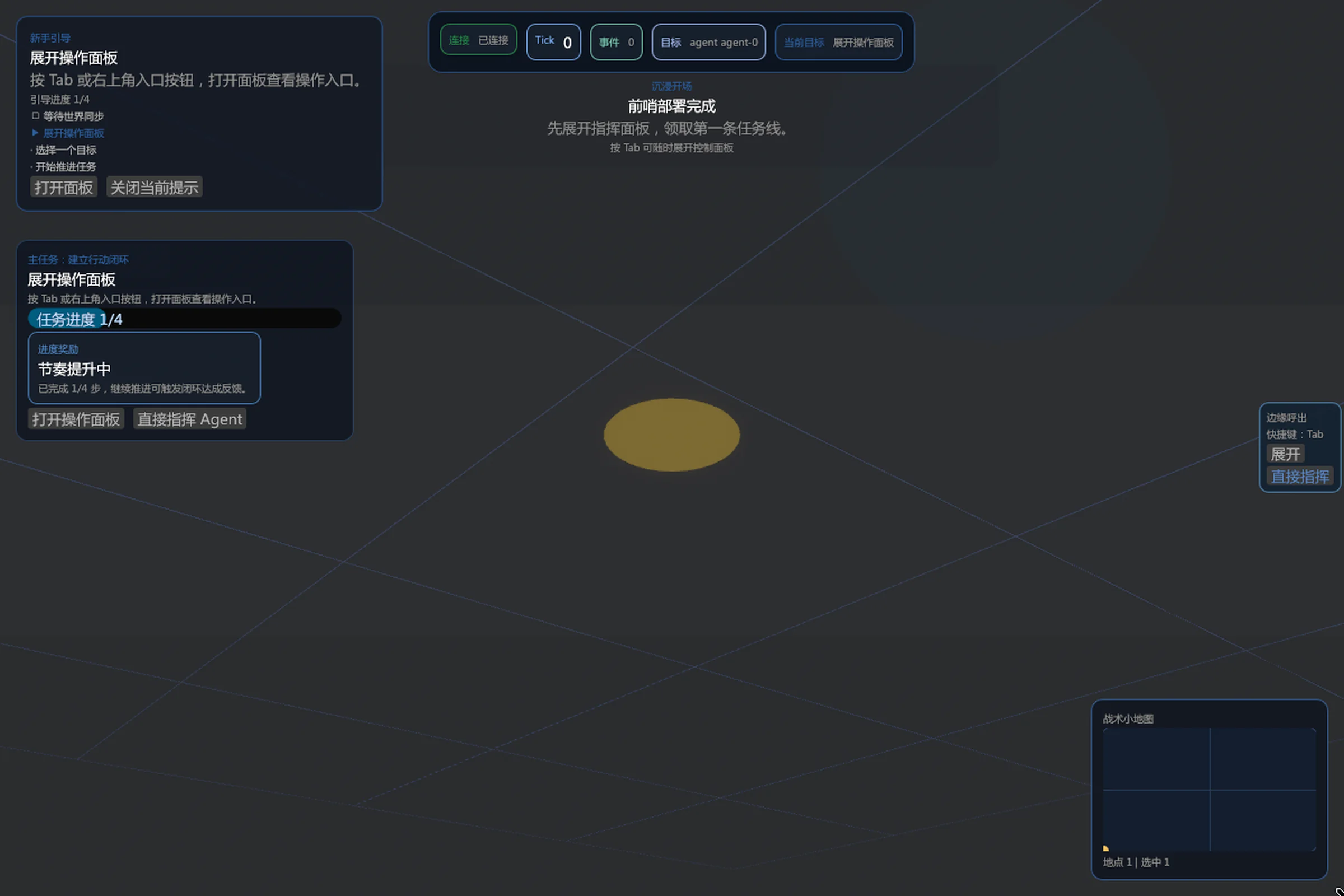
This site cannot launch the game; a local preview must be configured; follow the selected version’s startup guide.
DEVELOPMENT
DEVLOG ·
An Agent recovers from a denied first attempt and completes its first iron batch, confirmed by world records.
DEVLOG ·
A clearer role, an honest example, and a choice to keep reading.
A local environment and your model configuration are required. Public web join is not open. Check platform, costs and unsigned-package risks before downloading.
Choose a platform ↓Source case setup →Read the case without installing →
Windows, macOS and Linux packages have been built and published, but a complete playtest of these installers has not been verified.
Recorded 2026-06-03_v2 build and publicationLast recorded version; latest not confirmed.
The current release notes are mainly build notes and verification info, not a player launch notice.
Recommended for this device
Download `oasis7-windows-x64.exe`. Run the installer.
A complete playtest of this installer is not verified. The October source case is not an installer walkthrough. Configure your own model service; calls may incur charges. This site does not collect credentials.
These are still preview packages: Windows is not code-signed yet, macOS is not notarized yet, and checksums are only an extra check, not a platform trust chain.
If the auto-detected platform is wrong, switch it above. The page no longer treats several package types as equal first choices.
Need help? Use the technical troubleshooting reference or report an issue with version, platform and redacted errors. Never send keys.
Recommended for this device
Download `oasis7-windows-x64.exe`. Run the installer.
Download Windows Primary Package
64-bit Windows desktop environment. Public assets currently target x64 only. There is no ARM build or portable zip as the default path.
Double-click the installer to start setup. After install, `oasis7 Client Launcher` shows up in the Start menu, with an optional desktop shortcut.
Windows is still using an unsigned preview installer, so SmartScreen warnings may still show up until code signing is in place.
This is still a preview path, not a claim of warning-free install for ordinary users. On locked-down or enterprise devices, read the release notes first.
The page auto-selected Windows x64 for this device. Switch platforms above if you are downloading for another machine.
Recommended for this device
Download `oasis7-macos-x64.dmg`, mount it, and drag `oasis7 Client Launcher.app` into `/Applications`.
Download macOS Primary Package
Intel x64 macOS desktop environment. There is no separate Apple Silicon package yet, so Apple Silicon testing still depends on compatibility mode.
Open the `.dmg` and drag the app into `/Applications`. For upgrades, replace the existing app in place. Do not assume “delete first, then reinstall” preserves local state.
macOS preview packaging still has not finished codesign and notarization. Gatekeeper prompts may still appear until that work lands.
This is still a preview install path, not a promise of smooth first-launch behavior. If you keep local `config.toml` or chain execution-world state, back it up before replacing the package.
The page auto-selected macOS x64 for this device. Switch platforms above if you are downloading for another machine.
Recommended for this device
Download `oasis7-linux-x64.deb` and install it with a Debian/Ubuntu package manager. Linux now has one primary package path; operator recovery tools are shipped as a separate asset.
Download Linux Primary Package
x86_64 Debian-family Linux desktop environment, such as Debian or Ubuntu. There is no ARM or other Linux architecture package as a primary public option.
Open the `.deb` with your package installer, or run `sudo apt install ./oasis7-linux-x64.deb` on Debian/Ubuntu. For upgrades, install the newest `.deb`; do not assume changing the install directory preserves local state automatically.
Linux preview distribution includes the public `SHA256` manifest as an extra provenance check; it does not replace distro trust or local security policy.
If your distro does not support Debian packages or your device blocks installation, read the release notes for minimum guidance first. Other distro-specific behavior is outside the default support lane.
The page auto-selected Linux x64 for this device. Switch platforms above if you are downloading for another machine.
World rules
Time, resources and consequences shape each choice.
Read the world rules →BEFORE YOU BEGIN
Public browser access is not open. A local technical preview environment is required.
Choose and configure your own model service. Calls may consume credits or incur charges. This website does not collect API keys.
The June packages and October source case are different versions. Check the version and prepared-world conditions; a clean-install-to-first-batch path has not been verified.
WORLD-BUILDING FICTION · CHINESE
After retirement, a group of people builds a life in the asteroid belt. Their first task is to keep the lights on. Fictional embodiment is not a current game feature.
World laws · player boundaries
They explain what players can influence, and why the Viewer must make evidence and unknown states explicit.
The same world advances along one persistent, authoritative timeline; a refresh cannot erase changes that already happened.
Every resource has a source, cost, and owner; a preview or recommendation cannot mint a settled result.
You shape goals and conditions. The civilization acts for itself and carries the consequences.
Changes leave a trace. Unknown states stay visibly unknown instead of pretending success.
Ordinary browsing and refreshes do not erase changes that already happened; governed recovery follows a separate audited process. Every resource has a source and a cost. Unknown states stay visibly unknown instead of pretending success. See the World Rules & Core Gameplay PRD (doc/product/world-rules-core-gameplay/prd.md).
If you are not ready to install anything yet, the next steps are still clear: inspect proof, track release evolution, or dive into the docs hub.
If you are already here as a builder, the most useful builder feedback right now is blockers, confusing edges, and validation friction. Full commands and troubleshooting stay in the docs hub.
It may later evolve into a broader platform, but it is not a creator-facing mod / modules platform yet.
viewer; the old software_safe name remains only as a compatibility alias.--no-llm is diagnostic-only, not the homepage's formal playability path.